Richtext
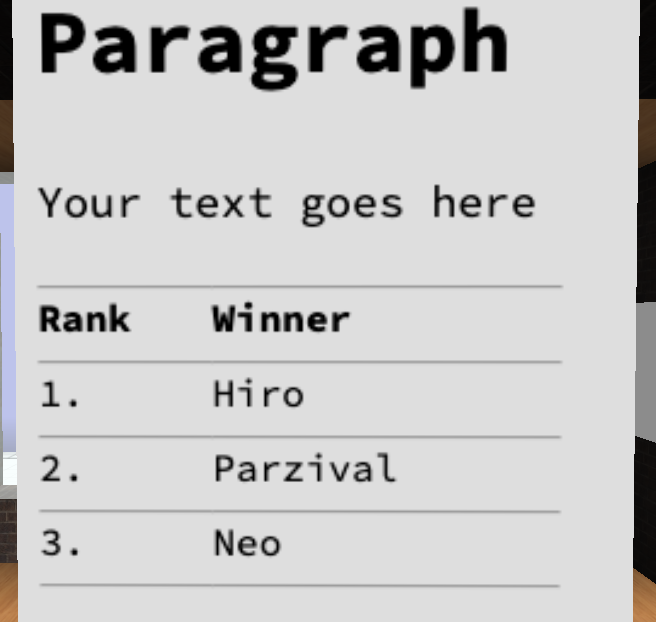
Multiple lines of Markdown formatted text.
Richtext
The Richtext feature allows you to display multiple lines of formatted text. Unlike signs, though, they can't be used as a hyperlink.
Editor
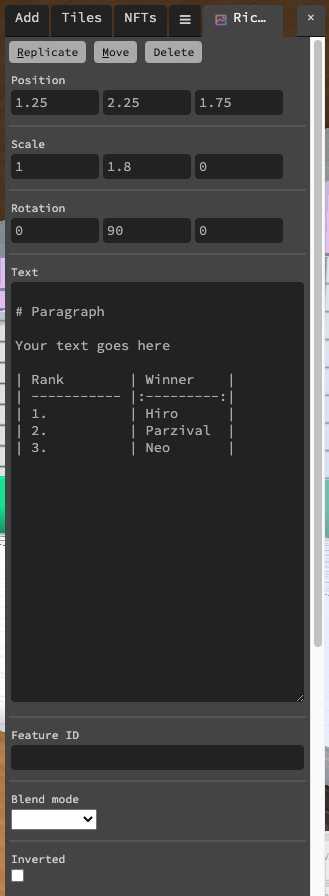
Text
The text you want to display, in markdown format.
info
It is possible to style text using css by placing something like this after your text: {:style="color:red;background:green;font-size:18px"}
Blend mode
This is used to determine how the text is blended with whatever is behind it. The available options are Combine, Multiply, and Screen.
Inverted
When ticked, the text will be white on a black background, rather than the other way around.
Scripting Properties
Scripting Properties {.tabset}
text
String;
get()
feature.get('text')
// returns: "https://..."
set()
feature.set({'text':"my paragraph"})
default
""
blendMode
String
get()
feature.get('blendMode')
// returns: 'Combine'
set()
feature.set({'blendMode': 'Combine'})
default
"Multiply"
inverted
Boolean;
get()
feature.get('inverted')
// returns: false
set()
feature.set({'inverted': true})
default
false
type
String;
get()
feature.get('type')
/* or */
feature.type

// returns: 'richtext'