NFT Image
2D image of a non-fungible token (NFT).
NFT Image
For NFTs you own, the NFT image will appear with a shiny frame.
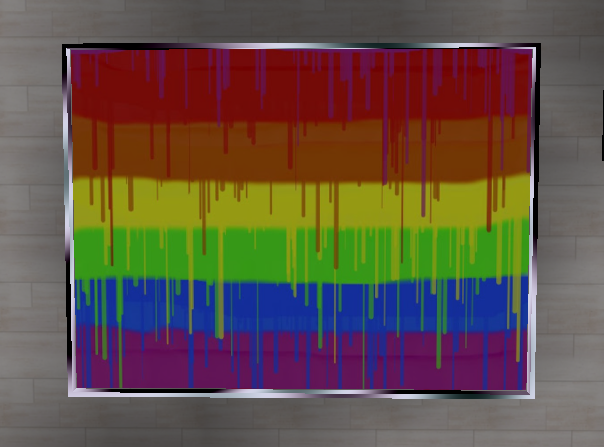
Editor
![[nft-image]editor_v7.18.png](/assets/images/[nft-image]editor_v7.18-3f8ee2c1da6f0eca28656de8b7846844.png)
Opensea Asset URL
Copy in the asset URL from OpenSea.
stretch
Stretches an image to fit the scale.
Blend Mode
This is used to determine how the image is blended with the content behind it. The available options are Combine, Multiply, and Screen.
Transparency mode
Choose how alpha is treated. (ignored or not)
EmissiveColor intensity
Choose the intensity of brightness.
Gui
If ticked, clicking on this NFT will show an HTML UI with information about the NFT
Scripting Properties
Scripting Properties {.tabset}
url
String; Links must be https://.
get()
feature.get('url')
// returns: "https://..."
set()
feature.set({'url':"https://www.opensea.io/"})
default
""
stretch
Boolean;
get()
feature.get('stretch')
// returns: "https://..."
set()
feature.set({'stretch':true})
default
false
blendMode
ImageMode; An enum :
- 'Multiply'
- 'Screen'
- 'Combine'
get()
feature.get('blendMode')
// returns: "Multiply"
set()
feature.set({'blendMode':"Combine"})
default
Combine
emissiveColorIntensity
number;
get()
feature.get('emissiveColorIntensity')
// returns: "0.5"
set()
feature.set({'emissiveColorIntensity':0.5})
default
0.5
type
String;
get()
feature.get('type')
/* or */
feature.type

// returns: 'nft-image'
Scripting Methods
Scripting Methods {.tabset}
getNftData
A function that returns the opensea nftData of the specified feature.
- Arguments: callback (optional); a callback function to handle the nft's data.
example
feature.getNftData(console.log)
/* returns:
{
animation_original_url: "https://ipfsga..."
animation_url: "https://stora..."
asset_contract: {...}
...
}
example 2
function showContractAddress(data){
 console.log(data.asset_contract.address)
}

feature.getNftData(showContractAddress)
/* returns: 0x1das1rs6dfv...