Animation API
Animation API
Make buttery smooth looking animations.
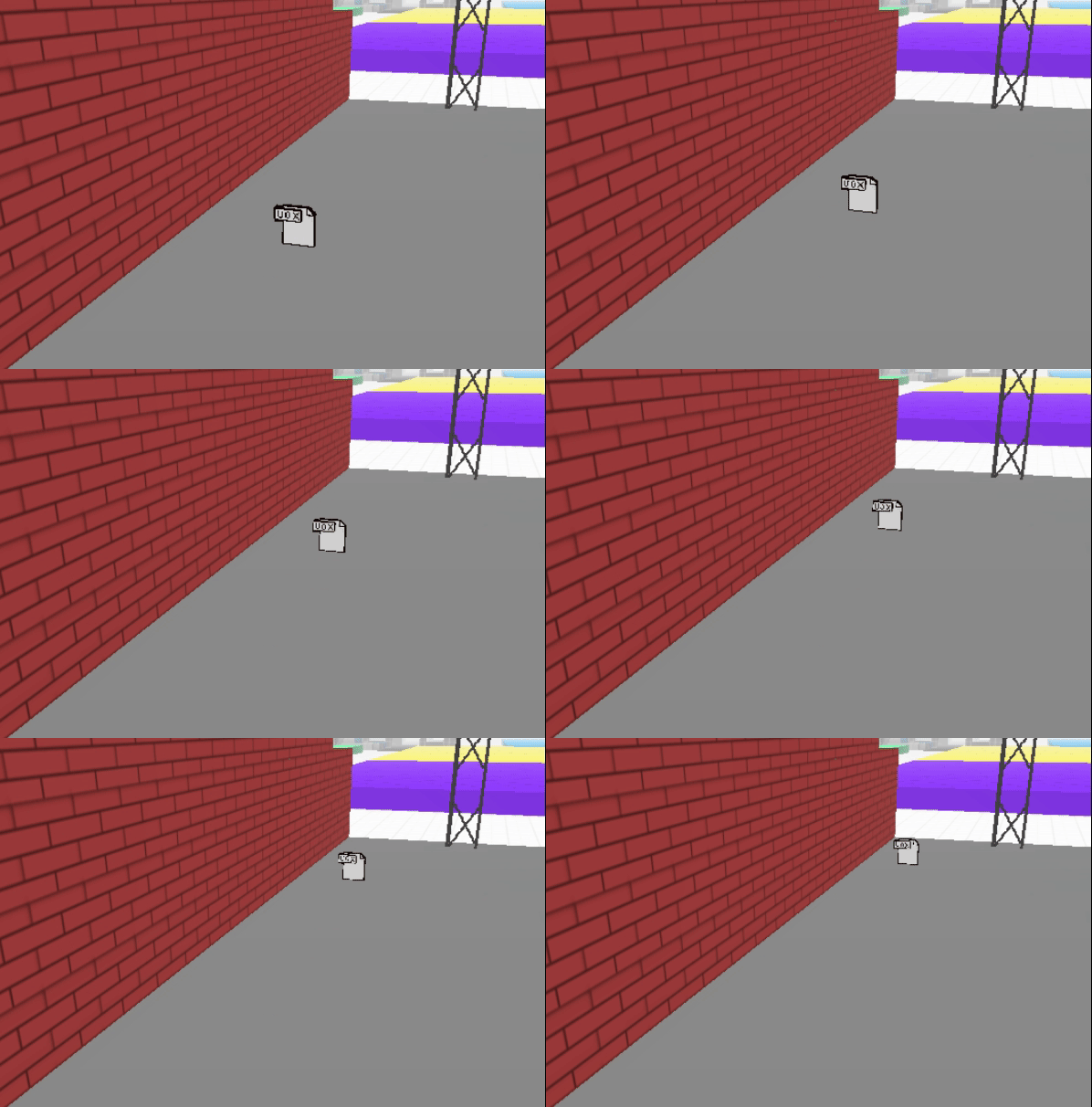 Call
Call Feature#createAnimation('position' or 'rotation' or 'scale') to create an animation object. Call setKeys to specify the keyframes. The first keyframe will be created at frame: 0 with the current position of the object.
Call feature#startAnimations to play the animations once created.
Any playing animations will be stopped when an animation is started from the API.
ps: Don't try and animation your features by calling feature.position.x += 0.1 60 times per second - because messages from the scripting host to the world engine are throttled at 5hz and your "animation" will be super jerky. Use the animation API, it's like butter. 🧈
pps: Animations run at the native screen refresh rate (60 / 90 / 144 / 240hz), even though we specify keyframes at 30fps.
Animation on position
The following example moves the rocket vox model 10 voxels high in 1 second
let rocket = parcel.getFeatureById('rocketvox')

let r1 = rocket.createAnimation('position')

r1.setKeys([{
  frame: 30, // standard is 30 fps (means it take 1 second)
  value: rocket.position.add( new Vector3(0,10,0) )
}])

rocket.startAnimations( [r1] ) //Starts the animation
Animation on rotation
This code snippet makes it spin on the y axis. Rotations are in radians.
let r2 = rocket.createAnimation('rotation')

r2.setKeys([{
  frame: 30,
  value: rocket.rotation.add(new Vector3(0, feature.rotation.y + Math.PI / 2, 0) )
}])

rocket.startAnimations( [r2] ) //Starts the animation
Multiple animations
Using the two previous examples:
rocket.startAnimations( [r1, r2] )
Center of rotation
When using the rotation animation, you might notice that vox models don't really spin around their natural center.
For a vox model that is intended to be spun, you ought to place the center at a specific coordinate on the Magicavoxel canvas.
For a 32x32x32 vox model, use x:20 and y:15 as the true center of rotation.
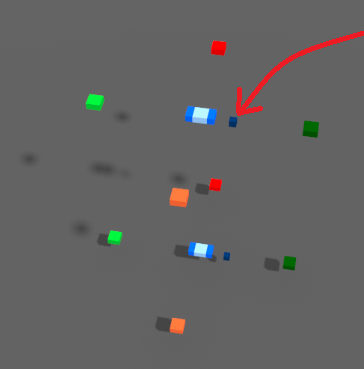
You can use this vox model to help you obtain the true center of rotation. In this model, the dark blue voxels represent the approximate center of rotation while the light blue represent the center.
An inconvenience with this method is it forces you to downsize your vox model. as