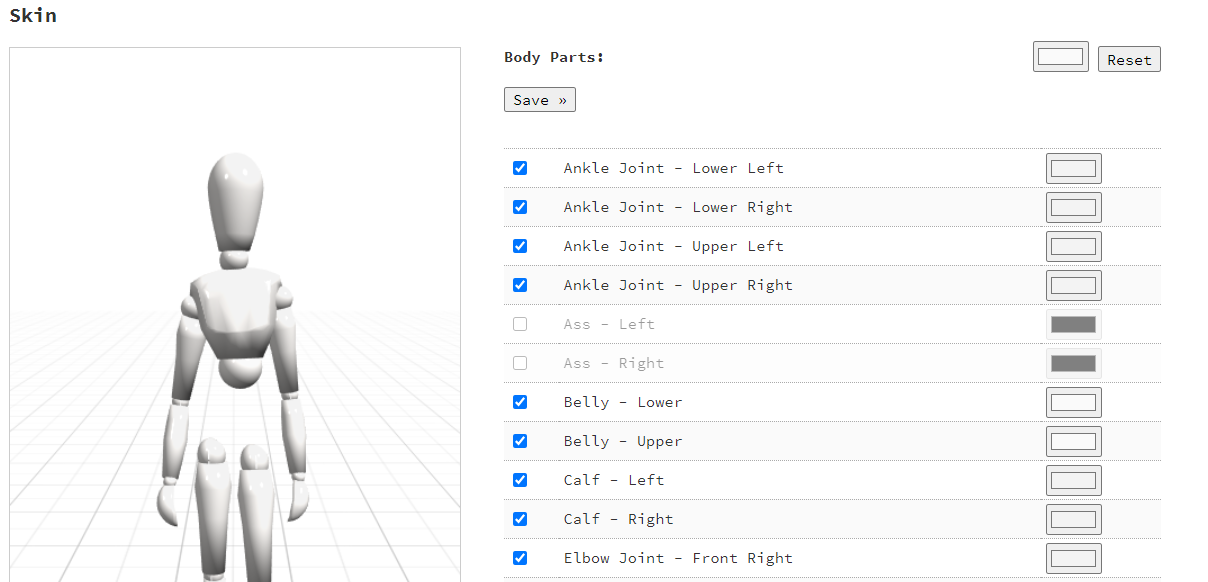
Avatar skin
Every body part of your avatar can have a different skin color.
To find the avatar skin tab, go to Account>Skin.
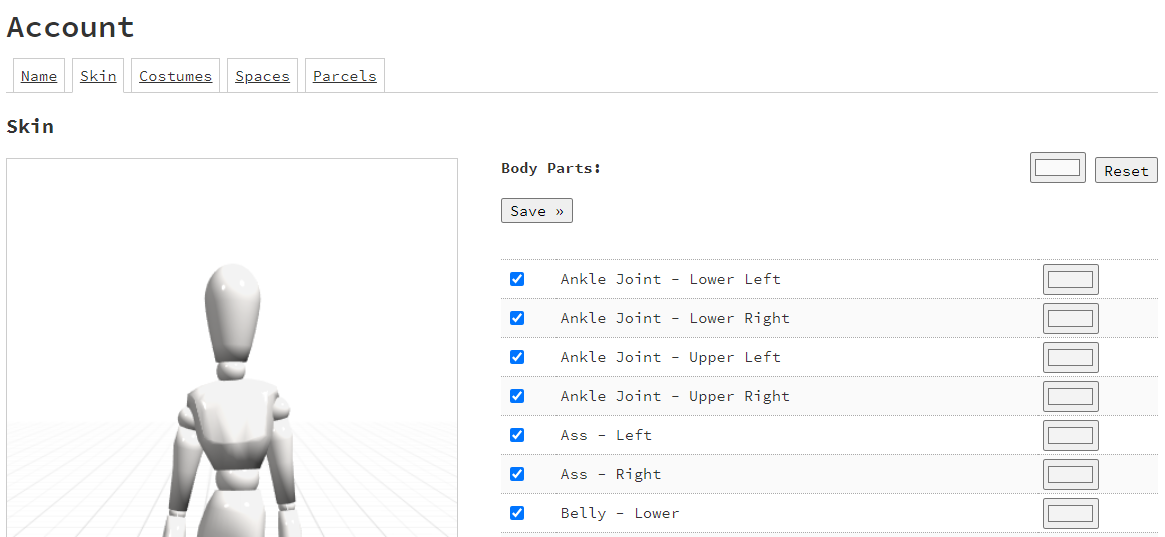
Full body color
To edit the skin color of the whole avatar, simple change the color next to Body Parts, as shown below.
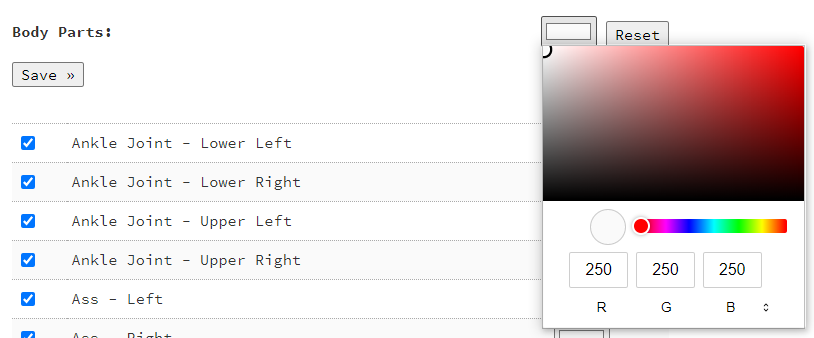
And press Save >>
Body part skin color
Next to each body part there is a color selector that you can change.
Once you have selected the color that you want, press Save >>
Transparent body part
Next to each body part there is a visibility checkbox.
Unchecking those will make the unchecked body parts invisible.
For example: