Trap door
Change the collidable property of a vox
Trap door
In this example, we make an object with a dynamic collidable property
Process
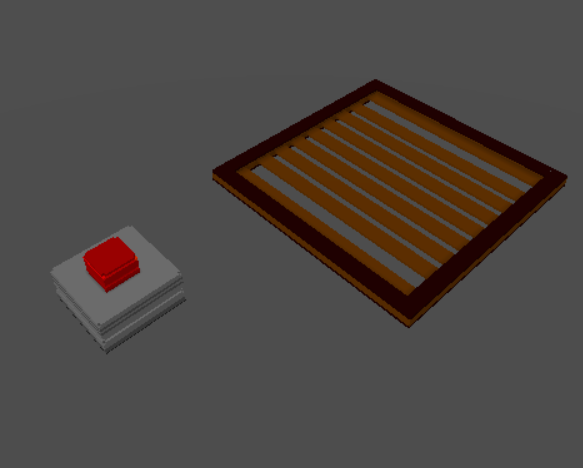
- Place a vox model (you can use this trap door model ) and a button.
- Set the id of the vox model to "trapdoor"
- Add the script below on the button.
let b = parcel.getFeatureById('trapdoor')
let collide=true
b.set({collidable:true})

feature.on('click',e=>{
  if(collide){
    b.set({collidable:false})
    collide=!collide
  }else{
    b.set({collidable:true})
    collide=!collide
  }

})
What is does: The trapdoor is initially collidable and pressing the button will switch the collidable state of the vox.
How about a timer?
Say we want to the door to be non-collidable for a short while before going back to being a collidable. Now that's a real trap!
let b = parcel.getFeatureById('trapdoor')

b.set({collidable:true})
let timeNonCollidable = 1 // time in seconds

feature.on('click',e=>{
    b.set({collidable:false})
    setTimeout(()=>{b.set({collidable:true})},timeNonCollidable*1000)

})
Just change the variable timeNonCollidable to the number of seconds the trapdoor should be non-collidable.
The grid
Now this is fun, but it won't be fun if you can't see your target being traped.
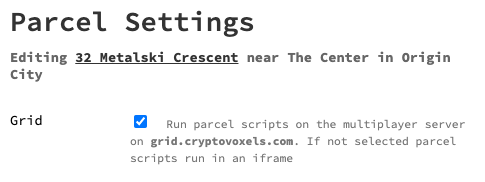
For that, it is recommended to go to your parcel settings and check the Grid box.