Simple click trigger example
Here we present a very simple click trigger.
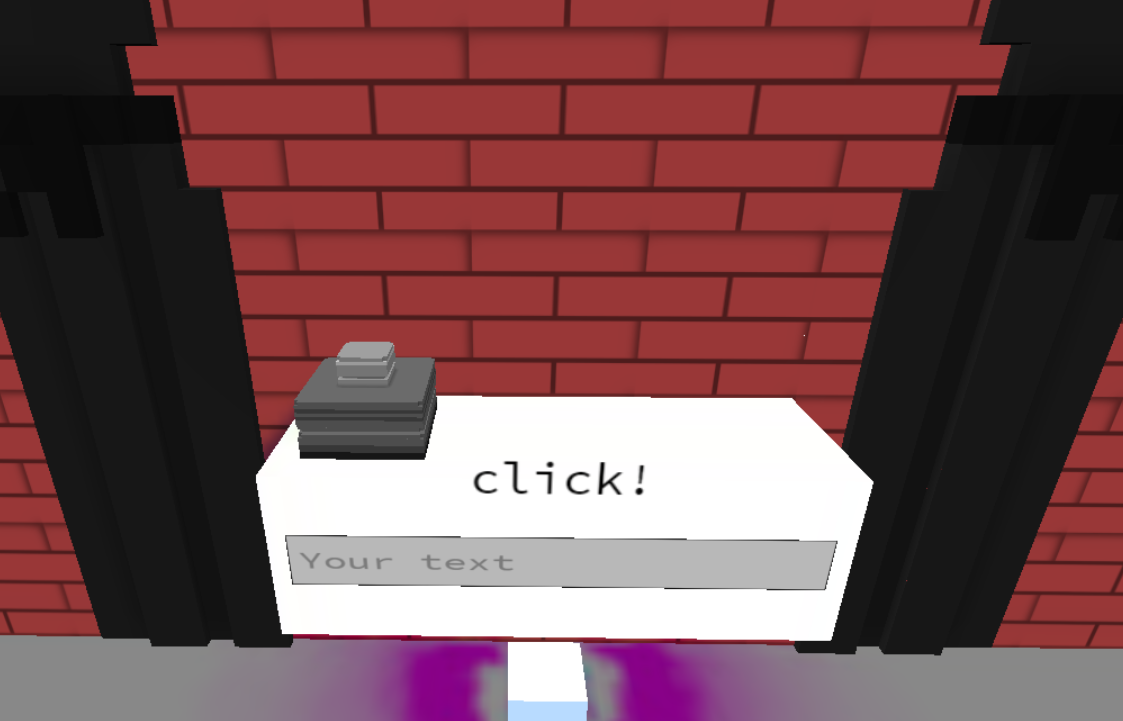
1. Place a button and a sign
and set the sign's ID field to 'triggerResult'
2. Copy and paste this script
into the script field of the button.
let textSign = parcel.getFeatureById('triggerResult')

feature.on('click',e=>{
    textSign.set({text:'Click!'})
})
Quick refresh and there you go!
3.What does it do?
The first line
let textSign = parcel.getFeatureById('triggerResult')
finds the sign you created and inserts it in a variable textSign. The next section handles the click event.
feature.on('click',e=>{
    textSign.set({text:'Click!'})
})
It simply listens to a click, and once the button is clicked, it tells the sign to show "click!".
Does it work on vox models?
Yes! You can copy paste this script into the script field of your vox-model and it will work!