Youtube theater
Youtube theater
Let users share their videos live.
danger
Since v4.16 the text-input feature is non-existent, therefore this example is not practically doable. However, we are not removing this page as the example could still be useful to curious users.
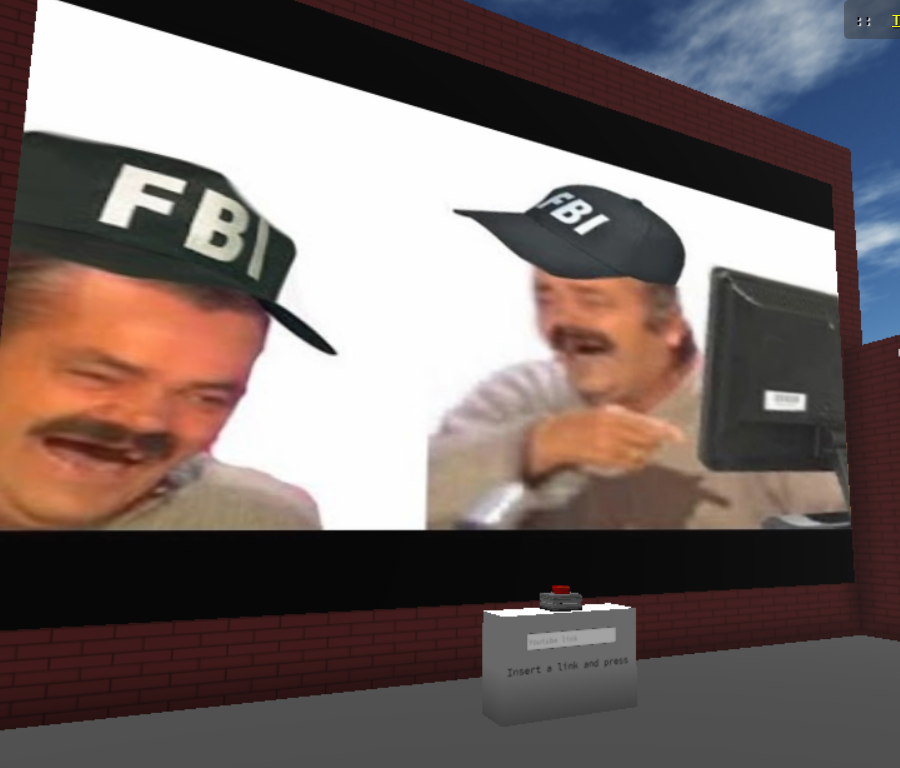
Process
- Place a Youtube feature and scale it
- Place a button somewhere and a text input on the wall
- Give the youtube feature the id 'video_object'
- Give the text input the id 'text_input'
- Insert the script below into the button
let image = parcel.getFeatureById('video_object')

let input = parcel.getFeatureById('text_input')

function validateYouTubeUrl(url) {
    if (url != undefined || url != '') {
        var regExp = /^.*(youtu.be\/|v\/|u\/\w\/|embed\/|watch\?v=|\&v=|\?v=)([^#\&\?]*).*/;
        var match = url.match(regExp);
        if (match && match[2].length == 11) {
            return true;
        } else {
            alert('not valid');
            return false;
        }
    }
}


feature.on('click',e=>{
  const newurl = input.text

if(validateYouTubeUrl(newurl)){
  image.set({url:newurl})
}
})
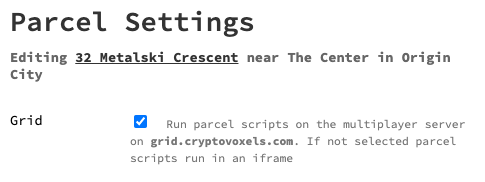
- The grid
Go to your parcel settings and check the grid box.
What it does
Once the youtube url entered and the button pressed, the function validateYouTubeUrl is called to check the validity of the URL. If it's a good youtube URL then the video is changed and you can start playing it.